Send the invoice. See who has not paid. Get back to work.
NEXUS AI OS is a desktop AI assistant for Windows, made in Singapore. If you work for yourself, it makes invoices with a PayNow QR, lists the clients who have not paid, drafts your email replies and gives you a morning summary. Nothing is sent until you press Approve.
Free for 7 days, then S$29 a month for 2 computers. Windows version 0.1.27.
What can a freelancer ask NEXUS?
You type in plain words, the way you would message a helper. These are the kind of sentences that work.
Make an invoice for Mei Ling for S$850 for the logo design, with a PayNow QR.
NEXUS makes the invoice and puts a PayNow QR on it for your client to scan.
Who has not paid me yet?
You get a list of unpaid invoices, so you know who to chase.
Draft a polite reply to the last email from my client about the deadline.
NEXUS reads the email in your Gmail and writes a draft. You read it first, then press Approve.
What is due today?
Your morning summary shows the weather and what is due.
What does my contract say about late payment?
Add the PDF to My files and ask questions about your own documents.
How does it work?
- Install it on your Windows PC. Get the installer from the download page. The installer is unsigned, so Windows may show a warning.
- Answer 4 questions. NEXUS uses your answers to make a setup plan. It also needs an AI key: a free one from Google, or your own Claude key. NEXUS guides you and it takes about 2 minutes.
- Start asking. Press the Chat button, or press Ctrl + Shift + Space anywhere on your PC, and type what you need.
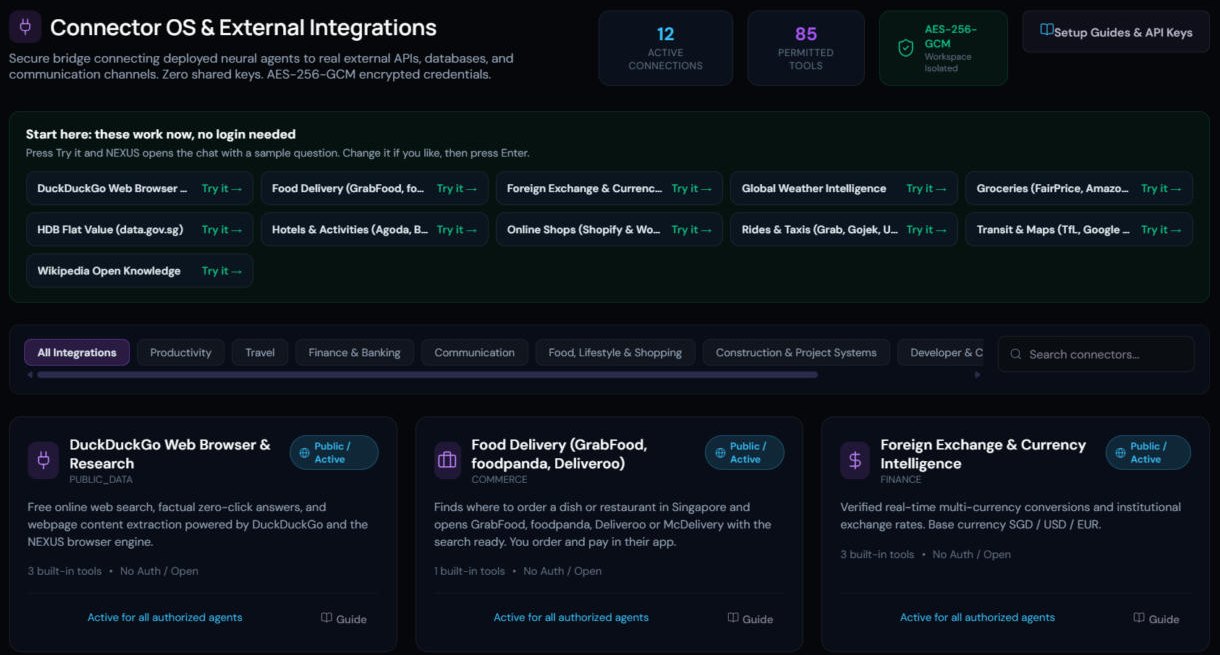
Gmail, Google Calendar and Google Drive connect in one tap. The connection guide lists everything else, including Microsoft 365 and Notion.
What will NEXUS not do?
You should know the limits before you download.
- It will not move money. NEXUS makes the invoice and the QR. Your client makes the payment.
- It will not send anything on its own. Emails wait for your Approve. Risky actions wait in an Approvals list.
- It does not work when your PC is off. If you chat with NEXUS through Telegram, it tells you the PC is off.
- It will not book a Grab ride or order food. It gives you the links and you do the booking.
What does it cost?
One price covers 2 computers. Try everything for 7 days before you pay.
Your accounts, files and keys stay on your own PC. Read the privacy page for the details.
Questions freelancers ask
Can NEXUS make an invoice with a PayNow QR?
Yes. Type what the invoice is for and how much, and NEXUS makes the invoice with a PayNow QR on it. Your client scans the QR to pay you.
How do I see which clients have not paid?
Ask "Who has not paid me yet?" and NEXUS shows a list of your unpaid invoices.
Will NEXUS email my clients without asking me?
No. NEXUS writes a draft and shows it to you. It never sends an email until you press Approve.
How much does NEXUS cost for one person?
The first 7 days are free. After that it is S$29 a month, and that covers 2 computers, for example a desktop and a laptop.
Where are my client emails and files kept?
Your accounts, files and keys stay on your own PC.
Not a freelancer? See how NEXUS fits a small business or everyday life at home.