One assistant for the office PC. You approve what goes out.
NEXUS AI OS is a desktop AI assistant for Windows, made in Singapore. For a small business owner it puts invoices, email drafts, the calendar and your documents in one app, at a fixed S$29 a month for 2 computers. Every email waits until you press Approve.
7-day free trial. Windows version 0.1.27.
Why would an owner trust it with real work?
You stay in charge
NEXUS prepares the work. Emails are not sent until you press Approve, and risky actions wait in an Approvals list.
Your data stays with you
Customer emails, files and the keys to your accounts stay on your own PC. See the privacy page.
The price is fixed
S$29 a month for 2 computers. You know the bill before the month starts.
Three jobs it does on day one
Version 0.1.27 comes with three ready-made assistants for a small business. Each one makes a draft or a list. You decide what happens next.
Quote and Proposal Writer
Give it the customer, the work and your prices. It writes a clear quote with a price table, timeline and terms. It uses only the prices you give.
Customer Reply Helper
Paste a customer's message. It drafts a reply in the customer's language and tone. It never sends. Refunds and complaints are flagged for your decision.
Get Found Online
Give it your website address. It reads the public page and lists the top 5 things to fix so customers and AI chatbots can find you.
Thinking about paying someone to set up AI for you? Read do you need an AI consultant first.
What can you ask it on a working day?
There are no menus to learn. Type the job in your own words.
Which customers still owe us money?
NEXUS lists the invoices that have not been paid.
Make an invoice for Friday's catering order and add a PayNow QR.
The invoice comes with a QR your customer can scan to pay.
Draft a reply to the supplier's email about the late delivery.
The draft appears for you to check. You decide if it is sent.
What is on the calendar tomorrow?
Works with Google Calendar once you connect it.
Write an Instagram post about our weekend promotion.
The post waits for your approval before it goes up.
How do you set it up?
- Download NEXUS to the PC you work on. Windows may show a warning during install, because the installer is unsigned.
- Tell it about your work. The first start asks 4 questions and builds a setup plan from your answers. Then add a free AI key from Google, or your own Claude key. This part is guided and takes about 2 minutes.
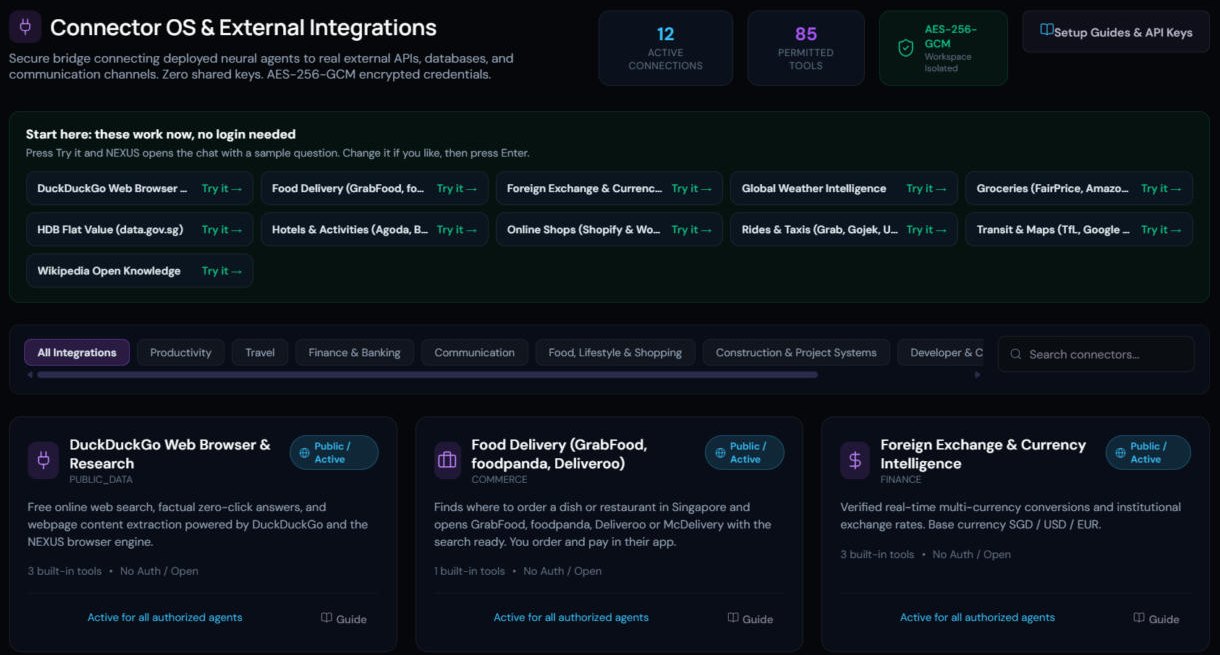
- Connect the apps you already use. Gmail, Google Calendar and Google Drive take one tap. Microsoft 365 and Notion are in the connection guide. Then open Chat, or press Ctrl + Shift + Space, and ask.
Away from the desk? You can chat with NEXUS from your phone through Telegram. Approve and Reject buttons come with each request.
Where does NEXUS stop?
- No payments. NEXUS cannot move money. It can show you who has not paid, but paying and collecting stay with people.
- No surprise messages. It does not email customers or post for you unless you approve that one item.
- No work while the PC is off. NEXUS runs on your PC, so it stops when the PC does.
- No bookings or orders. It cannot book a Grab ride or order food. It gives you links instead.
How much is it?
If you pay for one tool for invoices, another for email help and another for social posts, add up what they cost you each month. NEXUS does these jobs in one app for one fixed price.
The first 7 days are free, so you can test it on real work before you decide.
Questions business owners ask
What can a small business use NEXUS for?
Invoices with a PayNow QR, a list of customers who have not paid, email drafts in Gmail, your Google Calendar and Google Drive, Instagram posts, and questions about your own PDFs and documents.
Can NEXUS send an email or post on Instagram by itself?
No. It prepares the email or the post and waits. Nothing goes out until you press Approve.
Where is our business data kept?
On your own PC. Your accounts, files and keys stay there.
How many computers does S$29 a month cover?
Two computers. You can try NEXUS free for 7 days first.
What happens when the office PC is switched off?
NEXUS runs on your PC, so it stops when the PC is off. If you use Telegram to chat with NEXUS, it tells you the PC is off.
Working alone, or looking for help at home? There is a page for each.